
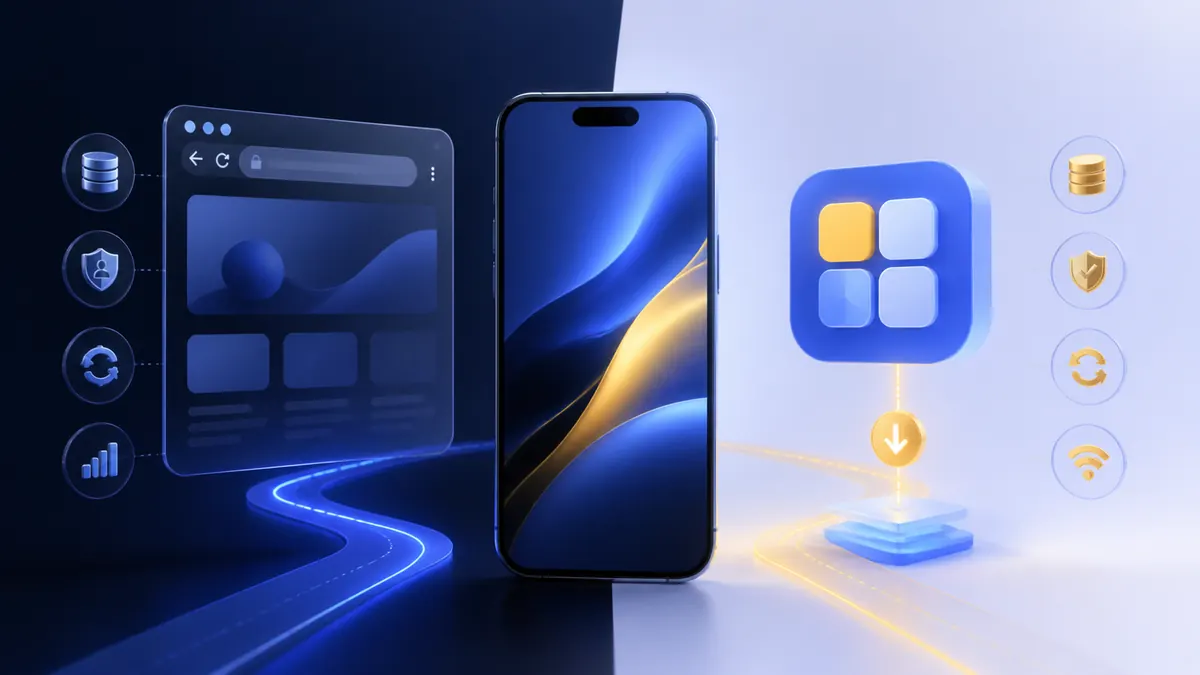
FU88 mobile access can be considered in two broad ways: opening the service in a phone browser or using an application route when one is offered. The right choice depends less on the label and more on the source, permissions, update process and device you control.
How FU88 mobile web works
Mobile web opens in a current browser and normally requires no separate installation. It can be useful when storage is limited, when a user does not want another app or when a browser provides the clearest view of the final address. Browser data, saved passwords and permissions still need to be managed carefully.
Public FU88 configuration contains mobile-specific paths, which indicates that phone visitors are part of the intended experience. The full FU88 app and mobile guide covers device routes, download checks and common access questions.
What an installed FU88 app changes
An installed app may offer a dedicated interface or faster return access, but it also adds an installation source, file integrity, permissions and update channel to the checklist. On Android, an installation file obtained outside an official store deserves extra scrutiny. On iPhone, configuration profiles or enterprise installation prompts should be read in full before approval.
- Confirm who provides the download and where future updates come from.
- Review requested permissions before and after installation.
- Check the app name, icon and publisher details for inconsistencies.
- Keep enough storage available for updates.
- Remove the app if it behaves unexpectedly or requests unrelated access.
Compare permissions, storage and updates
A gaming interface should not need unrestricted access to contacts, messages or device administration for normal account use. Camera or photo access may be requested for identity verification, but the purpose should be clear and the permission can often be limited to the moment it is needed.
Browser access receives security fixes through browser updates. An installed app uses its own update channel, so users need to know whether updates are automatic, store-managed or downloaded manually. An old installation file should not be reused simply because it worked before.
Performance on a Malaysian mobile connection
Connection quality, phone memory and background applications can affect either route. Mobile web may be easier to refresh or clear, while an app may retain more local data. Test on a stable connection, close unnecessary applications and avoid switching networks during registration or a payment step.
Which FU88 mobile route is easier to verify?
A browser keeps the final URL visible, which can help with address checks. An installed app relies more heavily on the original download source and publisher information. Whichever route is chosen, start from a destination you deliberately opened and do not follow a download sent by an unknown contact.
FU88 app vs mobile web checklist
- Choose mobile web when you want no installation and a visible URL.
- Choose an app route only after verifying its source and update method.
- Review permissions and deny access that has no clear purpose.
- Use a protected device with current system updates.
- Follow the FU88 access guide before entering account details.
Neither route is automatically better for every user. The more reliable choice is the one that can be verified, kept updated and used on a device you fully control.
App not installing, updating or opening? Use the FU88 App Troubleshooting Malaysia guide for a symptom-first checklist and browser comparison.